Laugh · macOS & Windows video app

Your Library,
Beautifully Organized
A cozy video experience that brings your content together. Smart organization, beautiful playback, and a warm interface.
Free · macOS 13+ · Apple Silicon · Windows coming soon
Image Studio
A photo editor, built in
Open any photo from your library and the Develop sidebar is right there — exposure, tone and colour tools, film presets, and landscape effects. Drag the slider on each edit below to compare the original with the finished look.
- RAW develop
- Film & mood presets
- Before / After
- Crop & straighten
- Batch looks
- Originals never touched
Compare Original and Edited in Laugh


Recover the Sky
Pull back bright clouds, lift the shadows, and add definition — a flat RAW city view comes alive from the Develop panel.
Compare Original and Edited in Laugh
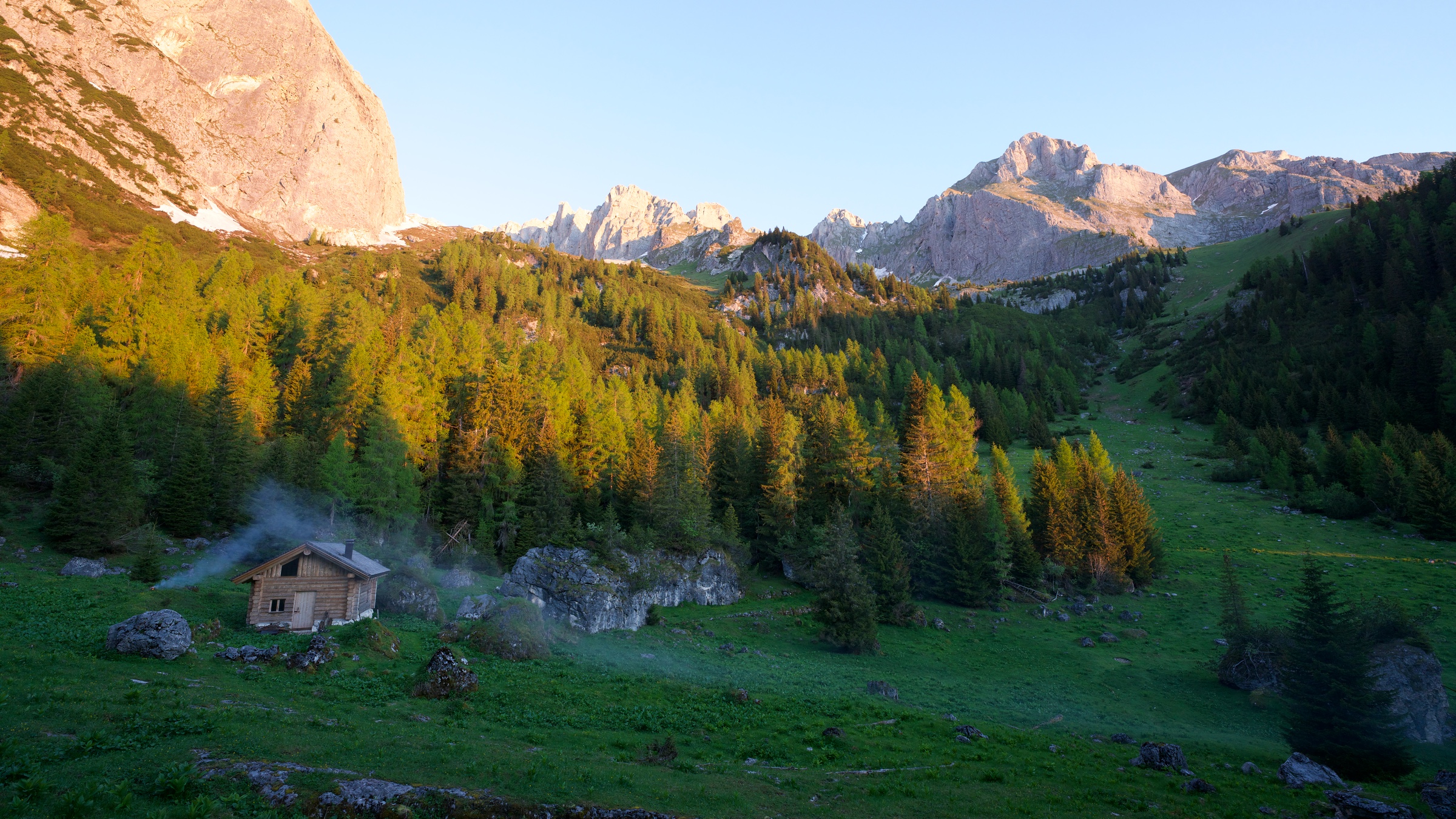

Portra + Landscape
The Portra film look plus the Landscape effect: warm evening light on the trees and richer greens in the valley.
Compare Original and Edited in Laugh


Golden Sunset
Warmer white balance, vibrance, recovered highlights, and a touch of Glow bring the colour back into the clouds.
Compare Original and Edited in Laugh


Dramatic Coastline
The Dramatic effect with Structure and a soft vignette gives grey cliffs and sea real depth and texture.
Compare Original and Edited in Laugh


Landscape Effect
Highlight recovery, Structure, and the Landscape effect bring out the stone and the foliage under a deep blue sky.
Compare Original and Edited in Laugh


Fuji Film Look
The Fuji film preset with brighter shadows: cooler water, crisper reflections. The original RAW is never touched.
Video Player
Just you and the picture
Movies, series, and home videos play in a player that stays out of the way — and still handles the awkward files, two languages of subtitles, and where you left off. Drag each slider to see the difference.
- Cinematic Mode
- Dual subtitles
- Continue watching
- MKV · AVI · MP4 · WEBM
- Hardware decoding
- SMB · WebDAV · HLS
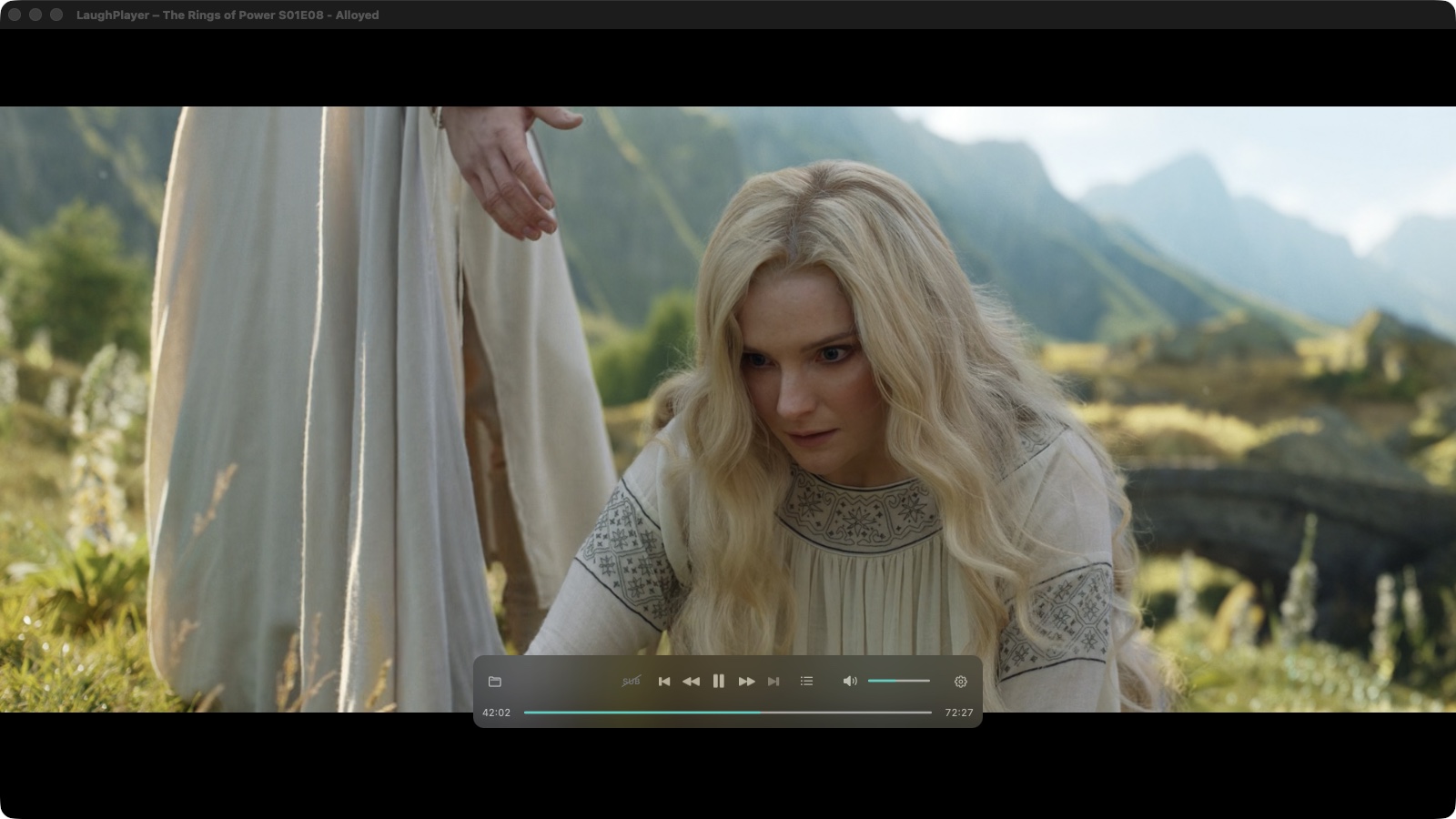
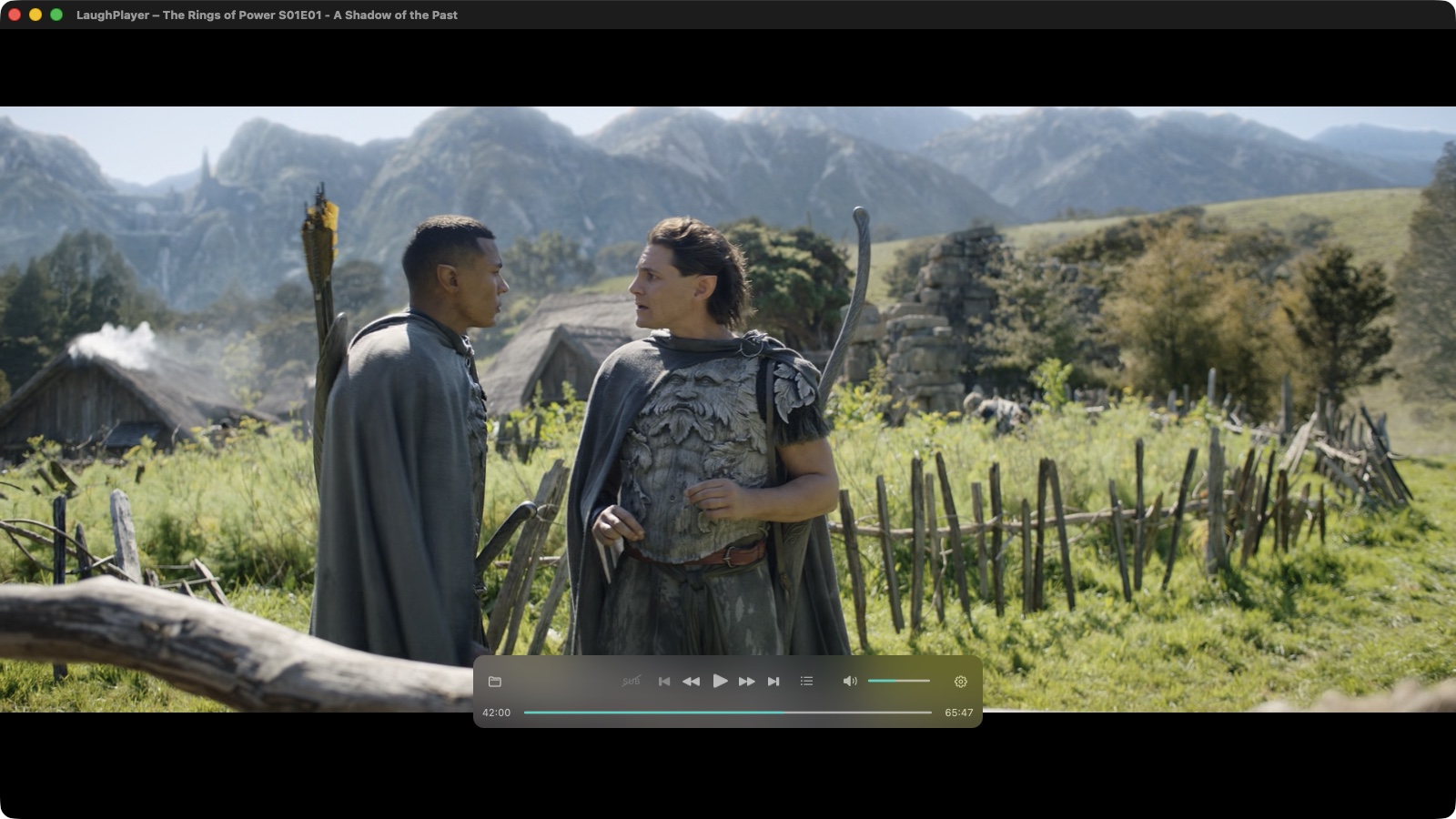
Cinematic Mode
Full-window, zero-chrome playback. Stop moving the mouse and the controls drop away so the picture fills the screen.
Compare One track and Two tracks
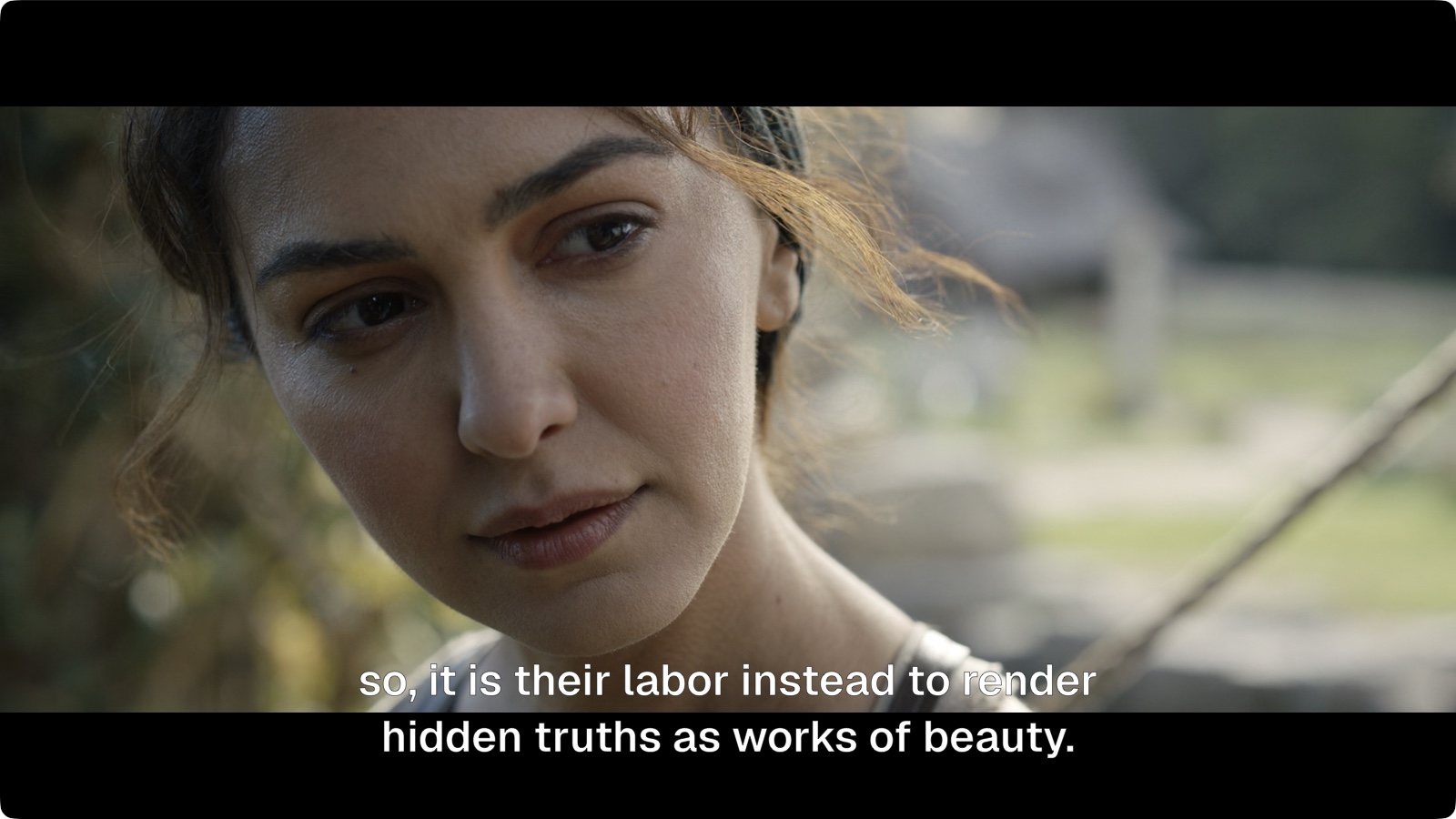
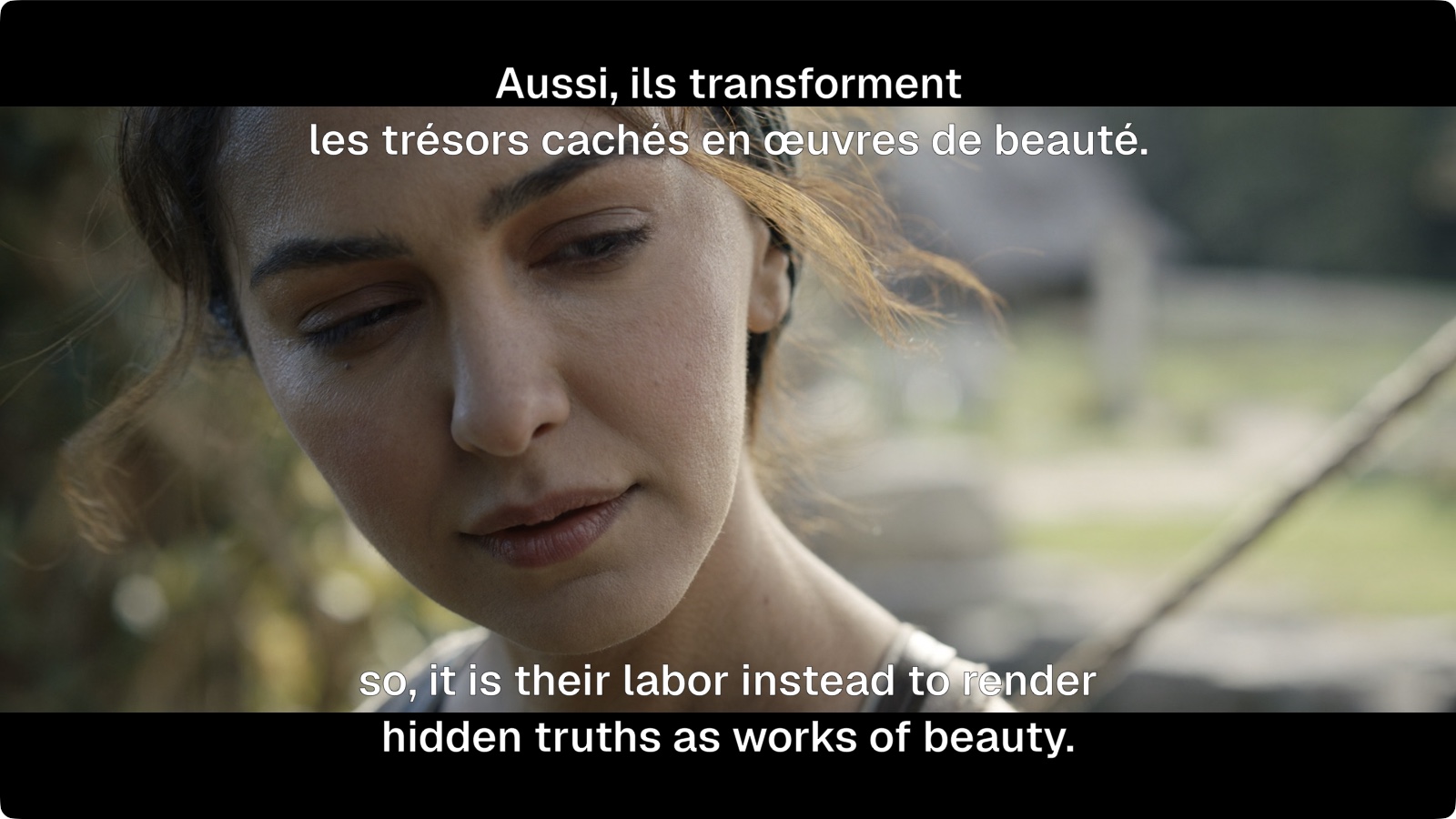
Dual Subtitles
Two subtitle tracks at once — English at the bottom, French at the top — with every embedded track listed by its real name.
Compare Season and Resumed
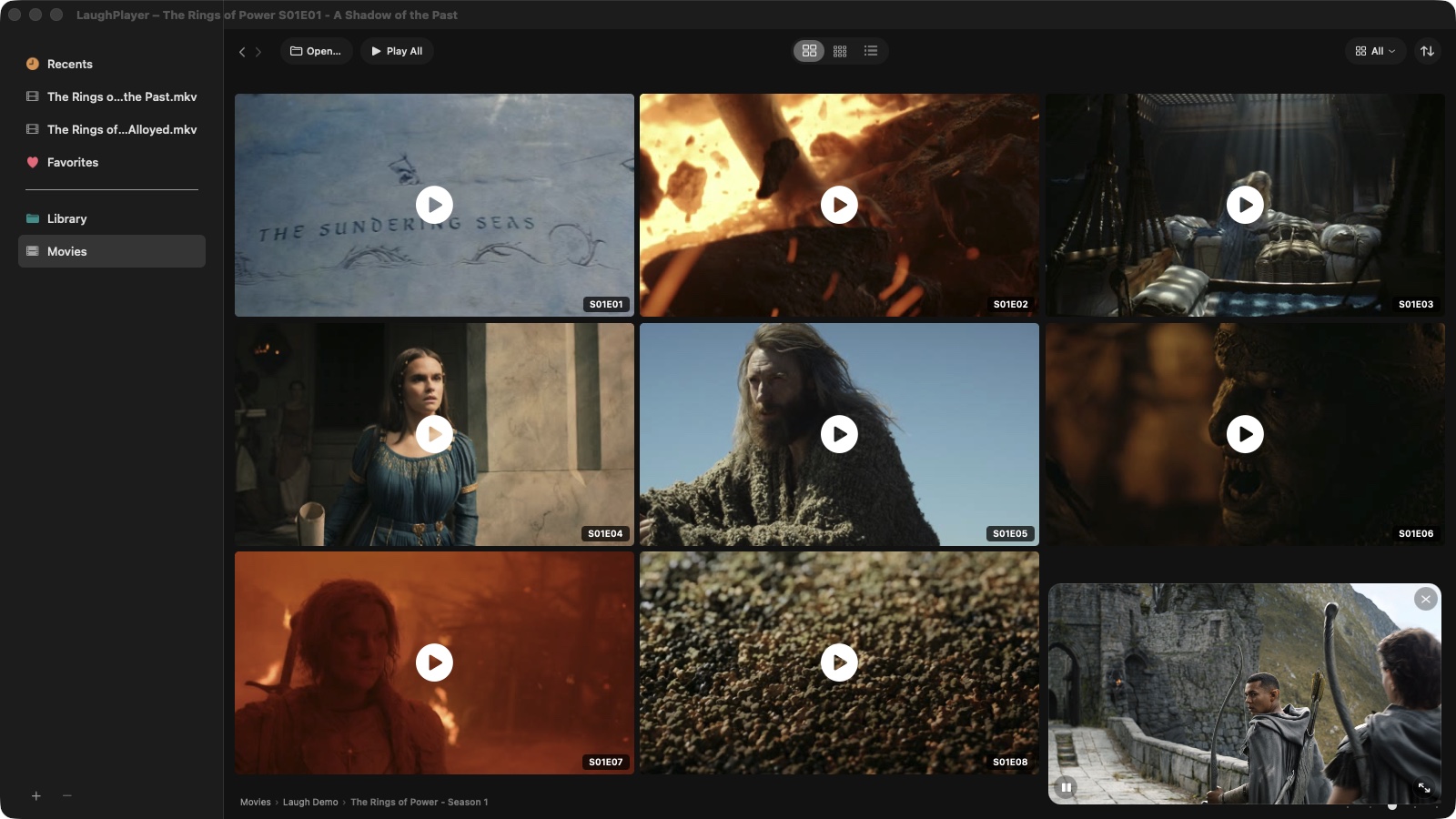
Continue Watching
Pick an episode from the season and Laugh jumps back to where you stopped. Finish it and it starts fresh next time.
Features
Everything you need
Cinematic Mode
Full-window, zero-chrome playback. Just you and your video.
Smart Library
Auto-organizes your local collection by folder. No scraping.
Photo Studio
Develop RAW photos with film looks and effects, then export one or a batch.
All Formats
MKV, AVI, MP4, WEBM, and more via the extended pipeline.
Hardware Decoding
VideoToolbox acceleration for H.264, HEVC, and AV1 on M3+.
Privacy First
No accounts, no telemetry, no cloud. Your files stay local.
Subtitle Support
Dual subtitles, live styling, delay control, and online search.
Remembers Your Setup
Volume, playback speed, and subtitle style carry over between sessions.
Continue Watching
Every file resumes where you stopped; finished ones start fresh.
Library
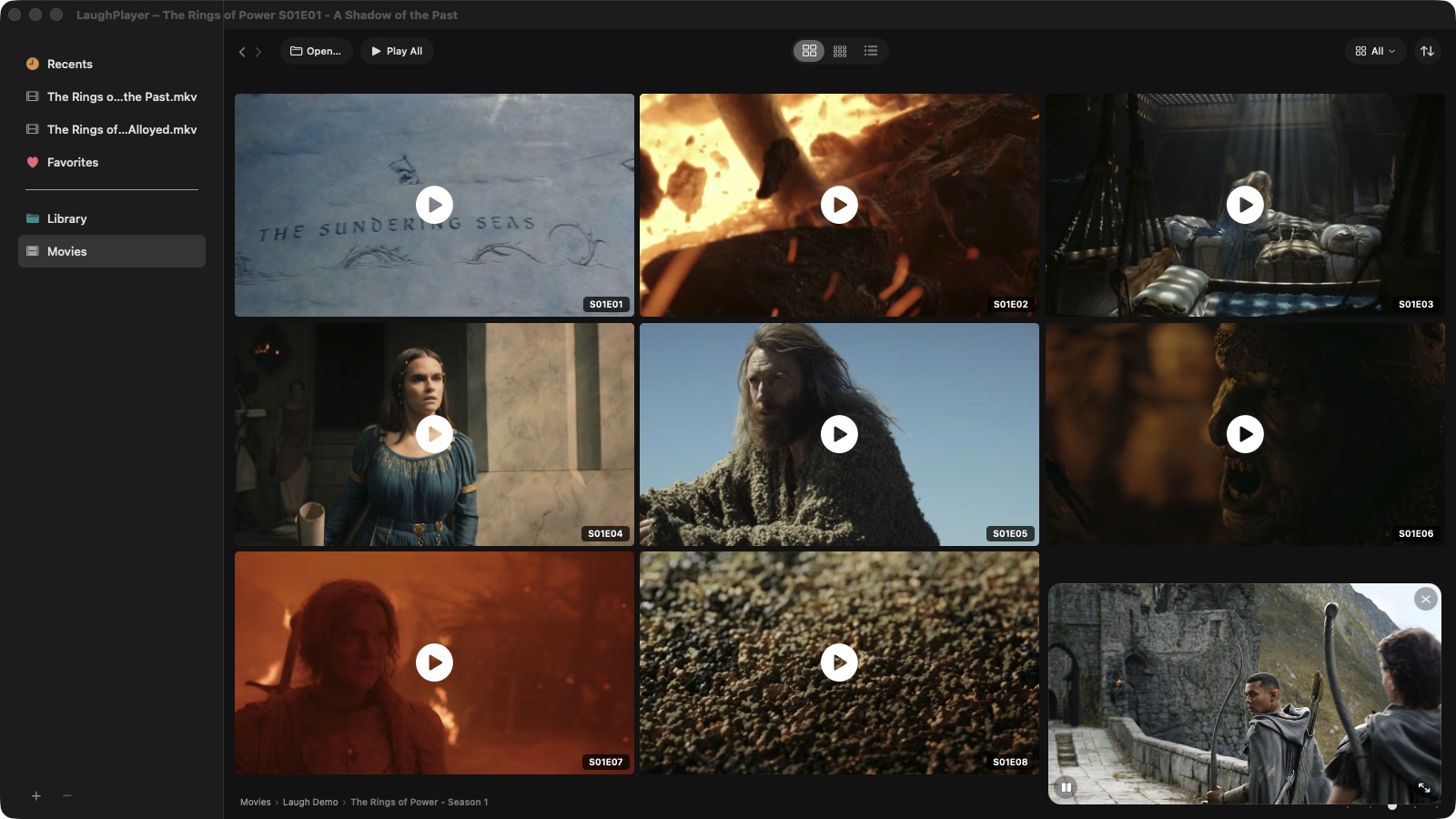
A library that looks like your folders
Laugh scans your collection and keeps it organized by folder — posters, titles, and continue watching in one place.
Ready to laugh?
Download for free and enjoy your video library like never before.
Free download · macOS 13+ · Apple Silicon